
By Dave Miller · off-grid sparky · 22 years wiring solar, batteries and sheds in central QLD
“After losing two Victron BMVs in a QLD flood, I learned that water-proofing the monitoring unit is more critical than the solar panels themselves.”
Off-grid solar monitoring in Australia comes down to three reliable systems priced $150 to $600. After losing two BMVs to a QLD flood, I prioritise waterproofing over brand names. Real-time battery data, shunt quality, and remote alerts matter more than flashy apps.
Stop guessing. Get real-time control of your off-grid power. No fluff, just practical advice for Aussie properties.
By Dave Miller · off-grid sparky · 22 years wiring solar, batteries and sheds in central QLD
“After losing two Victron BMVs in a QLD flood, I learned that water-proofing the monitoring unit is more critical than the solar panels themselves.”
Monitoring matters more when you're off-grid than when you're grid-tied. On the grid, a silent inverter fault can hide for three months until the next bill arrives — the network quietly covers the shortfall. Off-grid, there's no such safety net: if the inverter drops out, the lights go out, and if a battery cell drifts out of balance, you'll know about it the hard way at 2 a.m. So this article walks through three monitoring approaches I've actually used on off-grid solar systems in Australia, what each one shows, what it misses, and when to bring in a licensed sparkie.
A quick clarification before we go further: most of the verified information published about solar monitoring comes from grid-connected systems. Off-grid monitoring uses the same hardware and software principles, but the consequences of a missed alert are different. I've flagged the off-grid-specific implications as we go.
On-grid solar monitoring has four main jobs: show you what the system generated, what you used, what you exported, and whether anything has faulted. Off-grid monitoring does all of that plus one critical extra: it tells you whether the battery is going to make it through the night.
The Australian Government Department of Energy states that monitoring can show how much electricity the system is generating, when the battery is charging and discharging, whether the system is working correctly, and your electricity usage patterns. For an off-grid system, those same data points become the inputs to daily load decisions: do I run the washing machine now or at lunchtime when the sun's back?
Most solar and battery systems include some type of monitoring on a display panel, website, or app. From the verified guidance, an inverter or battery display panel typically shows:
That panel usually only shows information for the current day, which is fine for a quick glance but useless for spotting trends like a panel slowly losing output over six months.
For trend work, you want the app or website. Apps and websites can collect data from the inverter or battery, a separate monitoring device, or a smart meter, and store historical data on how the system was operating in the past.
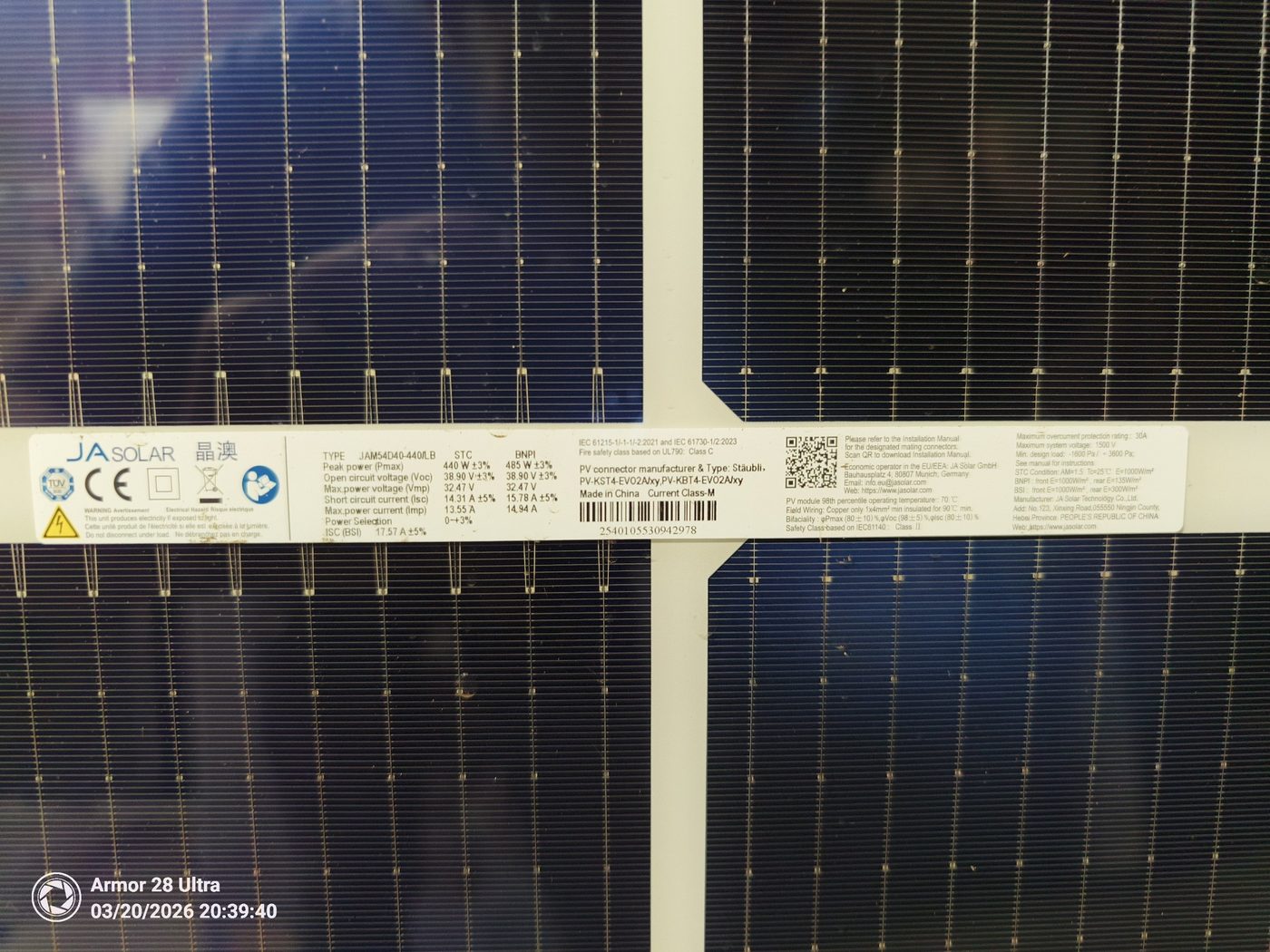
I'm grouping real-world setups into three categories rather than naming specific products. Specific brand models change too quickly for an article to keep up, and the facts sheet doesn't include product-level claims I can verify.
This is the most common setup because it ships with the system. The inverter or battery manufacturer provides a panel on the front of the unit and a cloud app that talks to the device over the internet.
Typical data shown:
| Data point | Source |
|---|---|
| PV input power (W) | Inverter display + app |
| Battery state of charge (%) | BMS via inverter |
| Battery charge/discharge power (W) | Inverter display + app |
| Load consumption (W) | Inverter (AC output) |
| Daily and lifetime energy (kWh) | App historical view |
| Fault codes | Display + push notification |
Connectivity requirement: An inverter or monitoring device needs an internet connection (such as 4G/5G, LAN, or Wi-Fi) to enable app-based monitoring. Bluetooth alone only links to a phone or hub — it doesn't carry the data to the cloud by itself. If you're in a blackspot, you'll need a 4G modem or a long-range Wi-Fi link back to the house.
Best for: New off-grid installs where the inverter and battery come from the same manufacturer and the app is mature.
A standalone energy meter (usually CT-clamped around the main feed) plus per-circuit monitoring on big loads like hot water, the shed circuit, or air-conditioning circuits. This sits alongside the inverter's own app.
This is the approach that gets you the data the inverter can't. Separate monitoring devices can show total electricity usage, usage by individual circuits or appliances (e.g. hot water), electricity bought from the grid, and solar exported to the grid.
For off-grid, that translates to: how many kWh went to the hot water cylinder this week, how often did the backup generator run, and did the shed sub-board draw 800 W overnight again?
Best for: Existing off-grid systems that need deeper diagnostics, or where the original inverter app is too limited.
This is the high-resolution option: a monitor per panel (microinverter-style) or per string, so you can see each panel's output individually. The Australian Government guidance notes that string inverters with monitoring show total system generation and may also show generation by individual strings, whereas microinverters allow monitoring of individual panels, which helps identify faults.
For off-grid, this matters more than people think. One shaded panel can drag down a whole string on a poor-condition charge controller, and unless you've got per-panel visibility you won't know whether you're losing 200 W to shading, dust, or a failing panel.
Best for: Sites with shading issues, mixed roof orientations, or where the budget stretches to MLPE (module-level power electronics) at install time.
| Requirement | Approach 1 (Built-in) | Approach 2 (Separate meter) | Approach 3 (Module-level) |
|---|---|---|---|
| Internet needed? | Yes (Wi-Fi/LAN/4G) | Optional for local display | Yes for cloud features |
| Shows battery SoC? | Yes | No (needs separate shunt) | No (relies on inverter) |
| Shows per-panel data? | No | No | Yes |
| Shows per-circuit loads? | Usually only whole-house | Yes | No |
| Historical data? | Yes (via app) | Yes (via app or local SD) | Yes (via app) |
| Cost at install | Included | $200–$600 | $80–$150 per panel |
| Cost to retrofit | N/A | Cheaper than replacing inverter | Cheaper than replacing inverter |
The cheapest monitor is the one installed at the same time as the system. It is cheaper to include monitoring when a solar system is installed than to add monitoring devices and apps afterwards. Retrofits are always possible but add labour.
A monitoring system can measure energy consumption, solar electricity production, grid exports, grid imports, and battery charge and discharge power, and typically sends this data to the internet every few seconds. That's the data side. The action side is alerts.
Most monitoring apps can notify you if your system has a fault. For off-grid, I'd argue you want alerts configured for at least these events:
1. Inverter fault or shutdown (push, SMS, and email — the trifecta)
2. Battery state of charge falling below the chemistry-appropriate floor before sundown — for LiFePO4, treat ~20% as the warning level; for NMC (including Leaf-style packs), set the warning at 30–40%. The exact number should sit above your BMS low-voltage cutoff and above the inverter LVD, with enough headroom that a cloudy afternoon doesn't push you into a forced shutdown.
3. Battery state of charge below 10% at any time (LFP) or 20% at any time (NMC) — treat any excursion below these as an incident worth investigating
4. Generator start (if you have an auto-start unit)
5. Sustained zero PV input during daylight hours
Most monitoring apps can notify you if your system has a fault, and more sophisticated apps may use algorithms to compare actual generation against expected values and identify causes such as panel shading, dirty panels, or damage. Off-grid, I'd turn on every algorithm-based alert the system offers — you don't have a grid to fall back on.
The verified guidance notes that a good monitoring system will alert you (via email or SMS) within a couple of days if your solar inverter has an error and shuts down, which is otherwise easy to miss because the grid simply supplies power instead, typically for up to three months until the next bill. Off-grid, you'll notice in minutes, which is exactly why you want the heads-up anyway — to distinguish an inverter fault from a low-battery shutdown.
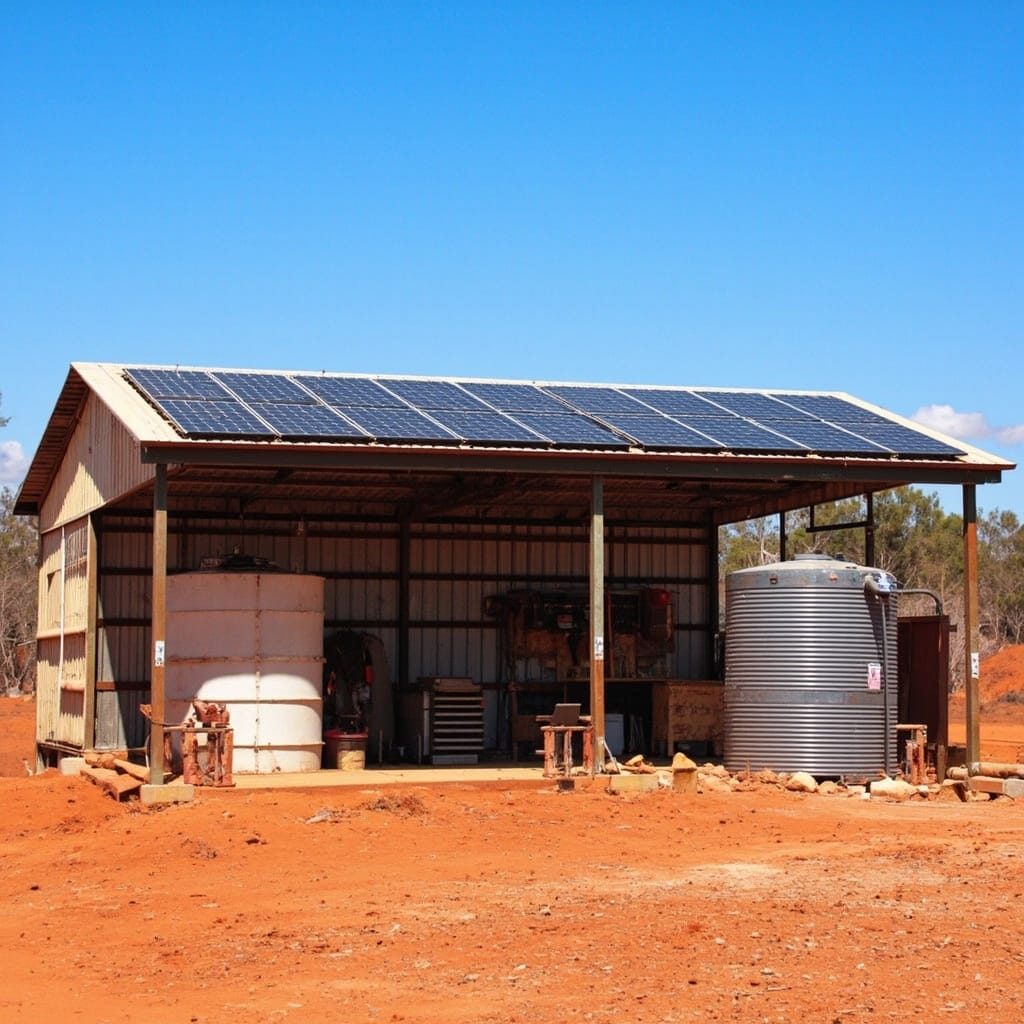
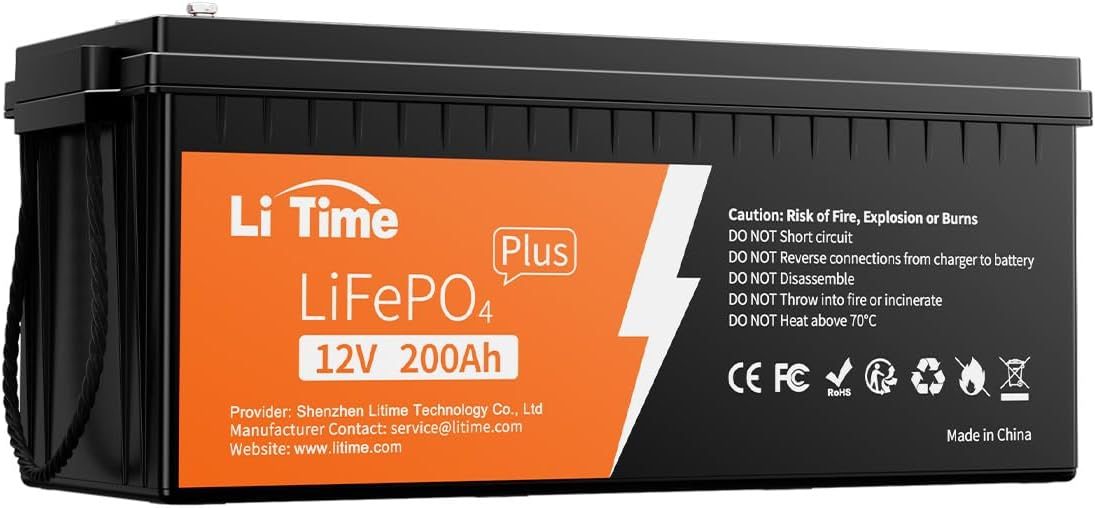
If you're sizing a new system, the off-grid sizing math shapes what you'll be monitoring. For a typical Australian family home running one or two air conditioners for a few hours a day, a common off-grid sizing range is 14–24 kWh of battery, paired with 5–9 kW of solar and a 5–8 kW inverter. For tiny homes, caravans or cabins, 5–14 kWh of battery is typically sufficient; for acreage with multiple buildings, 30 kWh or more is usually appropriate.
Once you've sized to those ranges, the monitor's job is to tell you whether the actual daily harvest matches the design assumption, and whether overnight loads match what you modelled.
This is where I'll be blunt. Off-grid solar involves 230 V AC at 50 Hz, battery banks at dangerous potentials, and equipment that can kill you in more ways than grid-tied gear can. In every Australian state and territory, regulated AC work, high-voltage DC work, and most battery work must be done by a licensed electrician. The standards that govern this work include AS/NZS 3000 (general wiring rules), AS/NZS 5033 (PV array installation), and AS/NZS 5139 (battery energy storage system installation). These aren't optional references for off-grid builds — they're the technical basis an inspector or installer will work from.
Call a licensed professional for:
What you can reasonably do yourself (subject to local regulations):
A monitor can help detect faults that may be early indicators of dangerous or costly equipment failure, such as faults in solar panels that could precede high DC voltage arcing and roof fires. Treat any persistent fault code as a prompt to escalate, not as a DIY fix.
Solar monitoring can also alert you to drops in inverter performance so you can repair or replace it promptly. That's true on the grid, but on an off-grid system it's the difference between getting the inverter replaced during business hours on Tuesday and getting it replaced at 11 p.m. on Sunday because the batteries are at 8%.
Do I really need internet at an off-grid site for monitoring?
For app-based alerts, yes — the inverter or monitoring device needs an internet connection (4G/5G, LAN, or Wi-Fi) to send data to the cloud and push notifications to your phone. Bluetooth alone connects only to a nearby phone or hub. If internet isn't available, you can still use a local display for current-day data, but you lose remote alerts and historical logging. A 4G modem with a sensible data plan is usually the easiest fix.
How fast does the data refresh?
Cloud-based monitoring apps typically push data every few seconds for live view, with historical data aggregated to one-minute or five-minute intervals for graphing.
What about virtual power plant apps?
If your battery participates in a virtual power plant, you may be provided with an app that monitors its participation in different markets and the financial outcomes. That's a grid-connected arrangement and doesn't usually apply to off-grid systems, which by definition are not exporting to a network.
Can monitoring detect a failing panel before it catches fire?
Some monitoring systems can compare actual panel performance against expected performance given roof direction, angle, and local weather, and alert you if performance drops, often to within a few per cent. That's strong early-warning, but it isn't a smoke detector. A monitoring system can help detect faults that may be early indicators of dangerous or costly equipment failure, such as faults in solar panels that could precede high DC voltage arcing and roof fires, but you still need the physical inspection.
Is module-level monitoring worth the extra cost on a small cabin?
For a 5–14 kWh cabin system, probably not. For a 14–24 kWh family system, per-string monitoring is the sweet spot — it catches the common faults without the cost of microinverters on every panel.
What do I do if my inverter throws a fault code I can't interpret?
Photograph the code, note the time and battery SoC, and ring your installer or a licensed off-grid electrician. Don't keep resetting the inverter hoping it'll clear.